Lipo Voice AI: Mac dictation in 50+ languages that translates as you speak
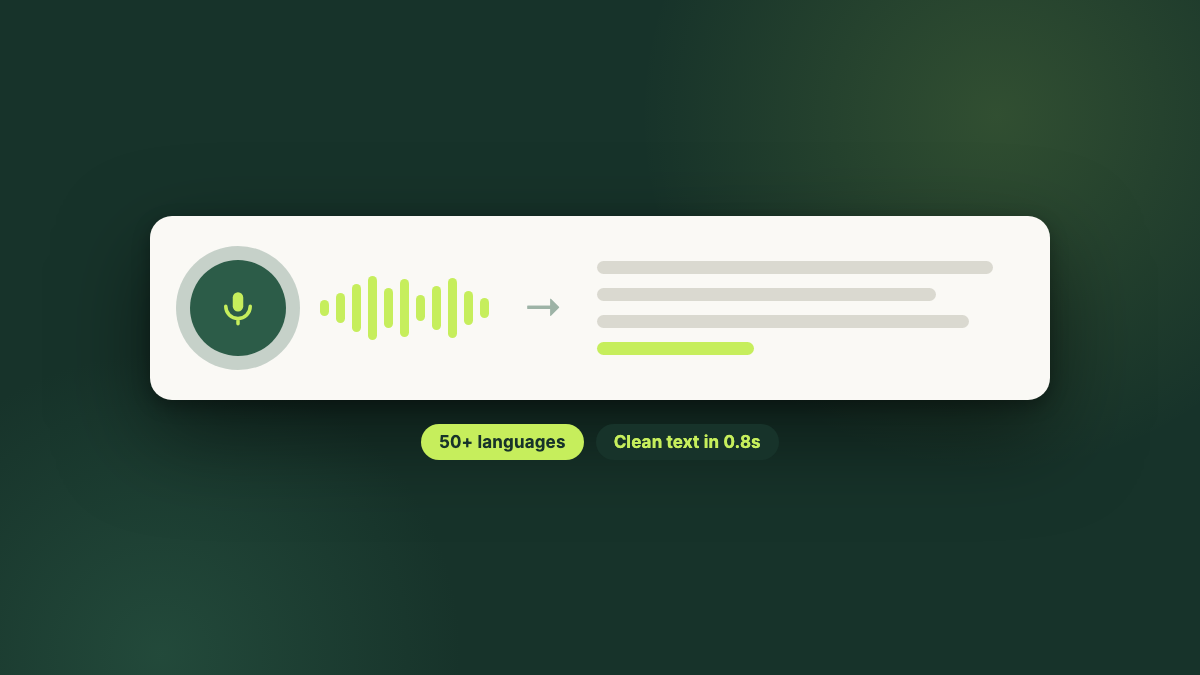
Lipo Voice AI is a Mac dictation app from Metly Media that turns speech in 50+ languages into clean, grammar-corrected text inside any app you can type in. It was built for people who do not think in English: it handles accents, local names, and non-English grammar that most dictation tools get wrong, and it translates as you speak, so you can talk in your own language and paste the result in English. Plans are $7.99 and $12.99 a month, it requires macOS 15.2 or later, and your dictation history stays on your Mac.
What is Lipo Voice AI?
Lipo is a voice dictation app for Mac. You talk, in any of more than 50 languages, and it pastes clean, grammar-corrected text into whatever app you were already typing in, in real time. It can also translate on the way through, so the language you speak and the language that lands in the text field do not have to be the same one. It runs on macOS 15.2 or later, and plans are $7.99 and $12.99 a month.
Before anything else, the disclosure: Lipo is our product. Metly Media builds it, so this page is the maker's guide, not an independent review. What we promise instead is accuracy. Every number here comes from the app and from uselipo.com, and we update this page when they change.
Built for people who do not think in English
Dictation tools are trained and tuned for English. Speak Bengali, Hindi, Arabic, or English with an accent, and most of them give you mangled names, broken grammar, and a paragraph that takes longer to fix than it would have taken to type. That failure is the whole reason Lipo exists, so the other 50+ languages are the main case here, not an afterthought.
The practical difference: you can think in the language you are fluent in and still send the email in English. Lipo corrects the grammar before it pastes and lets you hand off in a different language than you spoke, which takes a weaker second language out of the critical path of your workday.
What dictation looks like in practice
Lipo works in any app you can type in. It pastes into the field you are already focused on, which is why it needs Accessibility permission, so there is no separate window to dictate into and copy from. Before the text lands, it fixes grammar and punctuation, so what appears reads like something you wrote rather than something you said.
It is fast enough that you keep talking instead of waiting: the examples on uselipo.com show a Bengali dictation corrected in 0.9 seconds and an Arabic phrase translated in 0.7 seconds. English is included on every plan and runs at the best speed and accuracy.
Translate as you speak
This is the feature that separates Lipo from every dictation tool that only transcribes. Say it in one language and get it back in another: speak Bengali, Hindi, or Arabic, and paste clean English.
The people who lean on it hardest use it to write work emails, message teammates, and prompt AI tools. If you read English better than you write it, you can think out loud in your own language and hand ChatGPT, Claude, or Gemini a fluent English prompt, which usually gets a better answer than a prompt written in strained English.
The plans differ here: Pro Starter includes 20,000 translated words a month, and Pro Plus makes translation unlimited. Plain dictation is unlimited on both.
The smaller features that add up
Three tones
Casual for messages, Formal for professional writing, and Vibe Coding for technical work, which keeps code and technical terms intact instead of autocorrecting them into nonsense.
Custom dictionary
Teach it your brand names, client names, and the jargon your industry runs on, so the words you use most stop being the ones it gets wrong.
Screenshots and clipboard history
Both plans include screenshots and a clipboard history, so recent captures and copies stay in reach while you work.
Visual Brief, still in beta
Record your screen, explain out loud what you need, and Lipo turns the recording into a clear, organized prompt for an AI tool. Useful when describing a bug is faster than typing it. Starter includes 5 a month, Plus includes 20.
Privacy and permissions
Dictation software listens to you for a living, so here is exactly what that means. Your dictation history, screenshots, clipboard, and recordings stay on your Mac. External partners handle transcription only momentarily while audio is being processed, and neither Lipo nor those partners sell your content or use it to train AI models.
Lipo asks for three permissions and needs two: Microphone for dictation and Accessibility so it can paste into the app you are in. Screen Recording is optional and only used for screenshots and Visual Brief. It does not watch your screen in the background; screen access happens only at the moment you capture or record.
Lipo pricing
Both plans include unlimited dictation in every supported language at real-time speed, plus screenshots and clipboard history. The difference is translation volume and Visual Briefs.
| Plan | Monthly | Translation | Visual Briefs |
|---|---|---|---|
| Pro Starter | $7.99 | 20,000 words a month | 5 a month |
| Pro Plus | $12.99 | Unlimited | 20 a month |
There is no permanent free tier. New users get a 7-day free trial of Pro Plus that does not ask for a card, and you can cancel whenever you want from Lipo's settings. Prices checked against uselipo.com on September 1, 2026.
Requirements, and what Lipo is not
Lipo needs a Mac running macOS 15.2 or later, and it is Mac only: there is no Windows, iPhone, or Android version. Visual Brief is still in beta, so treat it as a bonus rather than the reason to buy. And if translation is most of your workload, the 20,000-word monthly cap on Pro Starter is the number to check before choosing a plan; Pro Plus removes it.
Lipo vs Apple Dictation
Every Mac ships with free built-in Dictation, so that is the honest baseline to compare against. For a native English speaker dictating the occasional message, it is fine, and it costs nothing. It falls down exactly where Lipo was built to stand: accented and non-native speech. Apple Dictation regularly mishears accents, local names, and sentences that mix languages, and it types what it heard, mistakes included. Lipo starts by getting those words right, then cleans up the grammar before the text pastes and translates as you speak.
| Apple Dictation | Lipo Voice AI | |
|---|---|---|
| Price | Free, built into macOS | $7.99 or $12.99 a month |
| Accents and non-native speech | Often misheard; local names and mixed-language sentences come out wrong | The core use case: built for people who do not think in English |
| What you get | Your words as it heard them, with automatic punctuation | Grammar and punctuation cleaned up before the text pastes |
| Translate as you speak | No | Yes, across 50+ languages |
| Language support | Limited; not available in all languages and regions | 50+ languages, built for non-English speech |
| Tones and custom dictionary | No; system text replacements only | Three tones plus a custom dictionary for names and jargon |
| Works offline | Yes, general dictation is processed on device | No, processing needs a connection |
Apple's own documentation is the source for the feature rows in the left column, checked on September 1, 2026. The accuracy row is our position from building and testing Lipo against non-native speech, and it is the reason the product exists. Put simply: Apple Dictation gives you what it heard, Lipo gives you what you meant, and for anyone who does not think in English those are rarely the same sentence.
Questions people ask about Lipo
Is there a free version of Lipo?
No. Lipo has two paid plans, Pro Starter at $7.99 a month and Pro Plus at $12.99 a month, and no permanent free tier. What it does have is a 7-day free trial of Pro Plus that does not ask for a card, which is enough time to find out whether it changes how you work.
How much does Lipo cost?
Two plans. Pro Starter is $7.99 a month and includes unlimited dictation, 50+ languages, 20,000 translated words a month, and 5 Visual Briefs. Pro Plus is $12.99 a month and adds unlimited translation and 20 Visual Briefs. There is a 7-day free trial of Pro Plus that does not ask for a card.
Which languages does Lipo support?
English plus more than 50 other languages. English is included on every plan and runs at the best speed and accuracy. The reason Lipo exists is that most dictation tools handle English well and struggle with everything else, including accents, local names, and grammar.
Can I speak one language and get English out?
Yes. Translation is built in, so you can dictate in your own language and paste the result in English or any of the 50+ supported languages. That is the feature people use to write work emails, message teammates, and prompt AI tools in a language they read better than they write.
Does Lipo work in every app on my Mac?
Yes, in any app you can type in. Lipo pastes into the field you are already focused on, which is why it needs Accessibility permission. It also needs Microphone permission for dictation, and Screen Recording only if you use screenshots or Visual Brief.
Is my dictation private?
Your dictation history, screenshots, clipboard, and recordings stay on your Mac. External partners handle transcription only momentarily while it is being processed, and neither Lipo nor those partners sell your content or use it to train AI models. Lipo does not watch your screen in the background; it only uses screen access when you capture or record.
What does Lipo require to run?
A Mac running macOS 15.2 or later. Lipo is a Mac app, so there is no Windows, iPhone, or Android version.
How fast is it?
Real time in practice. The examples on uselipo.com show a Bengali dictation corrected in 0.9 seconds and an Arabic phrase translated in 0.7 seconds, which is fast enough that you keep talking rather than waiting for it.
More from Metly Media
- ViewRank AI: find the best-performing Reels and TikToks on any public profile, free Chrome extension included
- Four free tools for creators, no account needed
- Guides and comparisons on growing on Instagram, TikTok, and YouTube