How to Sort Instagram Reels by Views, Likes, and Comments
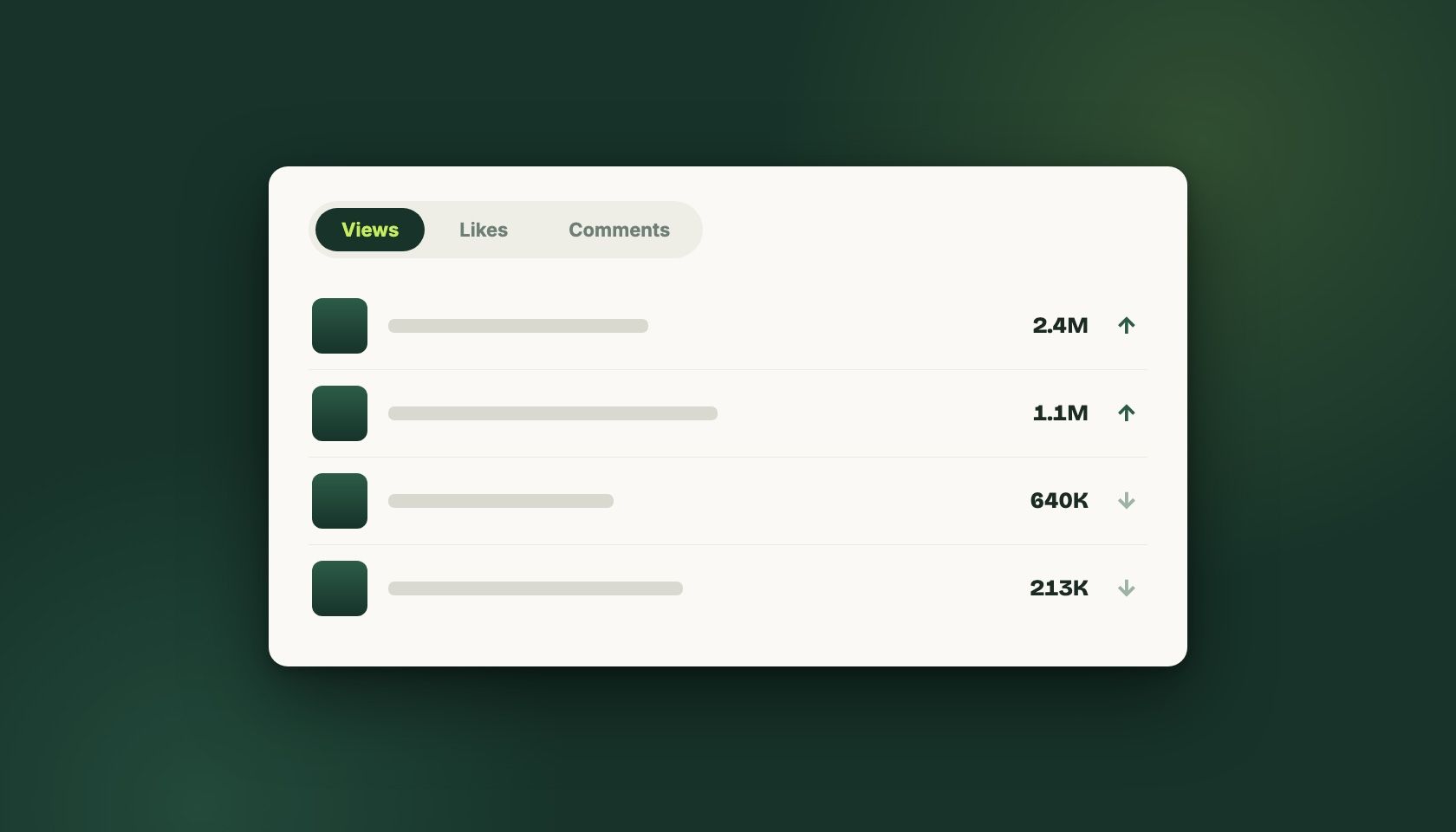
Instagram's Reels tab has no sort control, so ranking a profile by performance needs a browser extension. With ViewRank installed, open any public profile in desktop Chrome, choose how much history to pull, and sort by views, likes, comments, or outlier score. The grid reorders in place, and switching metrics is instant.
Instagram gives you three numbers on every Reel and no way to sort by any of them.
Views, likes, comments. All public, all sitting right there, all arranged strictly by post date. If you want to know which Reel on a profile earned the most comments, your options are to click all of them or to use something that reads the page for you.
Can Instagram sort Reels by views, likes, or comments?
You can see view counts, likes, and comments on any individual Reel on a public profile. You can sort your own content inside Insights, within limits.
What you cannot do: sort another profile’s Reels by any metric, filter them, or see a “top posts” view. The chronological grid is the whole interface.
How do you sort a profile’s Reels by views, likes, or comments?
Install the ViewRank extension, open Instagram on desktop, go to a public profile, and click the Reels tab. Open the panel, choose how much history to pull (last 50, last 100, or everything), and pick your metric. The click-by-click recap is in the step-by-step list at the end of this guide, and if views are the only metric you care about, the most viewed Reels walkthrough covers that exact pass in more depth.
The grid reorders. Switching between views, likes, and comments after that doesn’t re-pull anything, so you can flip between all three on the same set of Reels and watch which videos move.
That flipping is the actually useful part, and it’s why sorting by one metric and stopping is a waste. A Reel that ranks first on views and twelfth on comments is a different kind of video than one that ranks fourth on both.
Which metric should you sort by?
Each metric answers a different question, and picking the wrong one wastes the research pass. This is the short version:
| Metric | What it measures | Sort by it when |
|---|---|---|
| Views | Distribution: what the algorithm pushed | You’re hunting formats that scale beyond an existing audience |
| Likes | Whether the people who watched approved | You want content that landed, not content that merely reached |
| Comments | Whether people had something to say | You’re studying hooks that provoke, or building a community rather than an audience |
| Outlier score | Each video against that creator’s own average | You want repeatable formats instead of lucky spikes |
Two caveats the table can’t hold. Views are the metric most affected by luck, so treat any single high-view Reel with suspicion until the pattern repeats. And for likes, the ratio matters more than the raw number: a Reel with 400K views and 3K likes performed differently from one with 90K views and 8K likes, and only the second one tells you the content connected.
The outlier score is the one I’d reach for first in most research. A creator whose Reels normally do 8K views and who has one at 240K has told you something specific about what their audience wants. A creator whose Reels all do around 300K has told you almost nothing by having one at 340K. Comments earn a mention too: they’re the slowest metric to fake and the hardest to accumulate by accident.
A research pass that takes ten minutes
Pick three accounts in your niche. Not the biggest ones, ideally, since accounts with large followings distort what “worked” means.
Sort each by outlier score and look at the top five. Then sort the same profile by comments and see which videos are on both lists. Those are your candidates, because they reached people and made them respond.
Open those. Watch the first three seconds with the sound on and then again with it off. Note the opening move and the length. Do that across all three accounts and you’ll have somewhere between two and four recurring patterns, which is a more honest output than the ten-point content strategy you were probably hoping for.
Write it down somewhere it’ll survive the week. ViewRank has favorites, notes on individual videos, and tags that carry across profiles, which is what we built it for. A spreadsheet is fine too. The failure mode isn’t the tool, it’s doing this once, finding something real, and forgetting it by Thursday.
What sorting won’t fix
You can rank every Reel a hundred accounts ever posted and still not know why any of them worked.
Sorting narrows the field. It turns two hundred videos into eleven worth watching, which is most of the value and none of the analysis. The judgment call about whether a Reel took off because of its hook, its topic, its sound, or its posting time is still yours, and the tools that claim to answer that question automatically are usually guessing with more confidence than the data supports.
Step by step
Install the ViewRank extension
Add the free ViewRank extension to desktop Chrome. Sorting works without an account.
Open a public profile's Reels tab
Go to Instagram on desktop, open the profile you want to study, and click its Reels tab.
Pull the profile's history
Open the ViewRank panel and choose how much history to load: the last 50, the last 100, or everything on the profile.
Pick a metric and flip between them
Sort by views, likes, comments, or outlier score. Switching metrics reuses the pulled data, so compare all four on the same set of Reels.
Frequently Asked Questions
Can Instagram sort Reels by views, likes, or comments?
No. The Reels tab on a public profile is chronological with no sort control. Instagram's own Insights let you sort your own content within limits, but there's nothing for ranking another account's Reels by performance.
What's the difference between sorting by views and sorting by outlier score?
Views rank videos against each other in absolute terms. Outlier score ranks each video against that creator's own average, so a video doing 8x a small account's normal numbers ranks above one doing 1.2x a large account's. For finding repeatable formats, the outlier score is usually the more useful of the two.
Is sorting a competitor's profile allowed?
It reads publicly visible numbers on a page you're already allowed to see. Nothing is posted, liked, or automated, no credentials change hands, and private accounts stay inaccessible.
Does it work on Instagram carousels and TikTok?
Yes. Instagram posts and carousels sort by likes or comments with a slide-by-slide detail view, and TikTok covers both regular videos and photo slideshows.
How many Reels can I sort at once?
With the free ViewRank extension, the last 50, the last 100, or every Reel available on the profile. There's no cap on the free tier.
Related articles
All Instagram articles →
How to See the Most Viewed Instagram Reels on Any Profile
Instagram sorts Reels by date, never by views. How to rank any public profile by view count in about thirty seconds, and what to look for after.
Dec 23, 2025 · Updated Sep 1, 2026
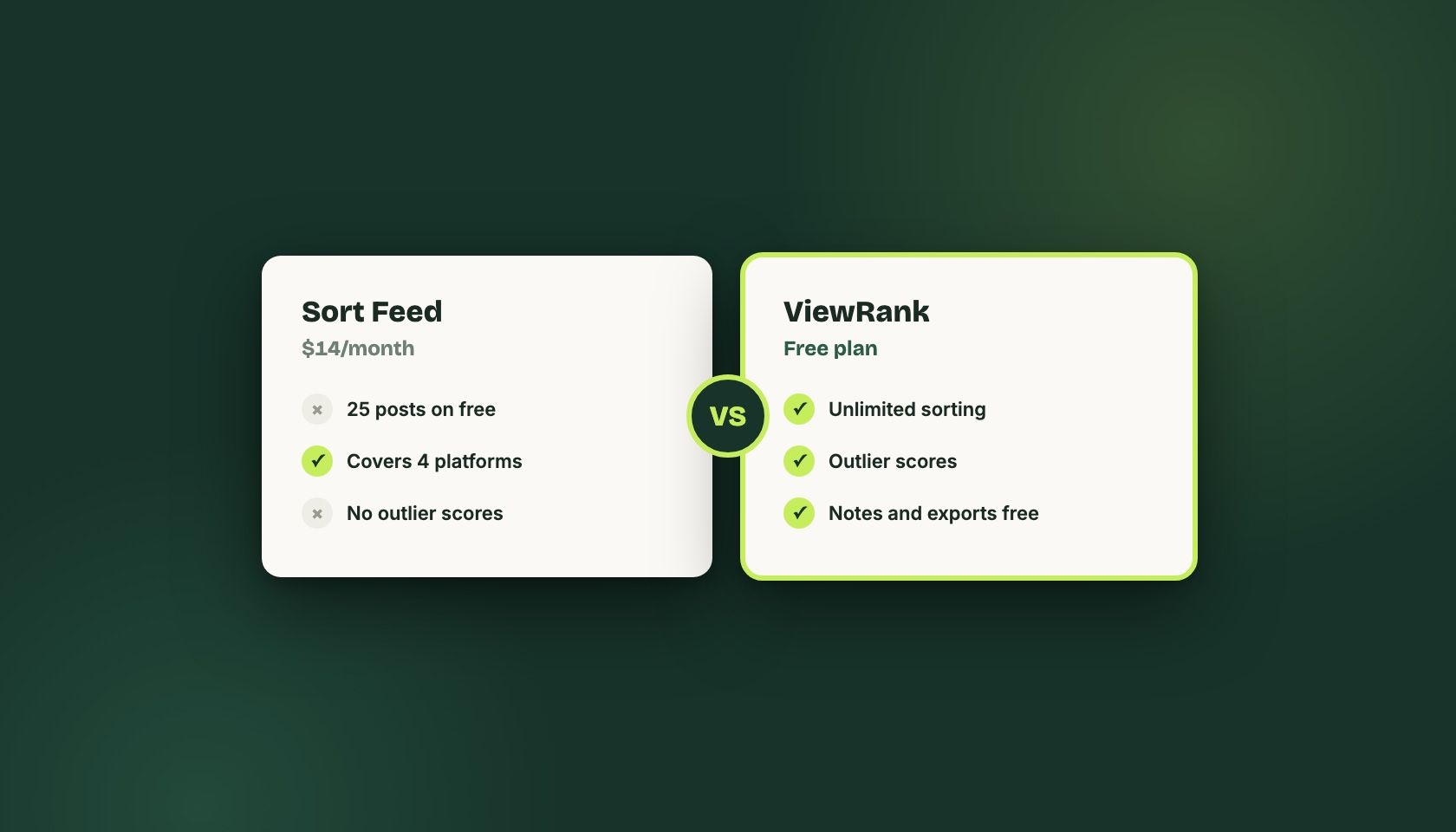
What is the Best Sort Feed Alternative in 2026
An honest look at Sort Feed's free cap, its $14/month Pro plan, and when switching to ViewRank makes sense. From the team that builds ViewRank.
Jan 29, 2026 · Updated Sep 1, 2026