How to See the Most Viewed Instagram Reels on Any Profile
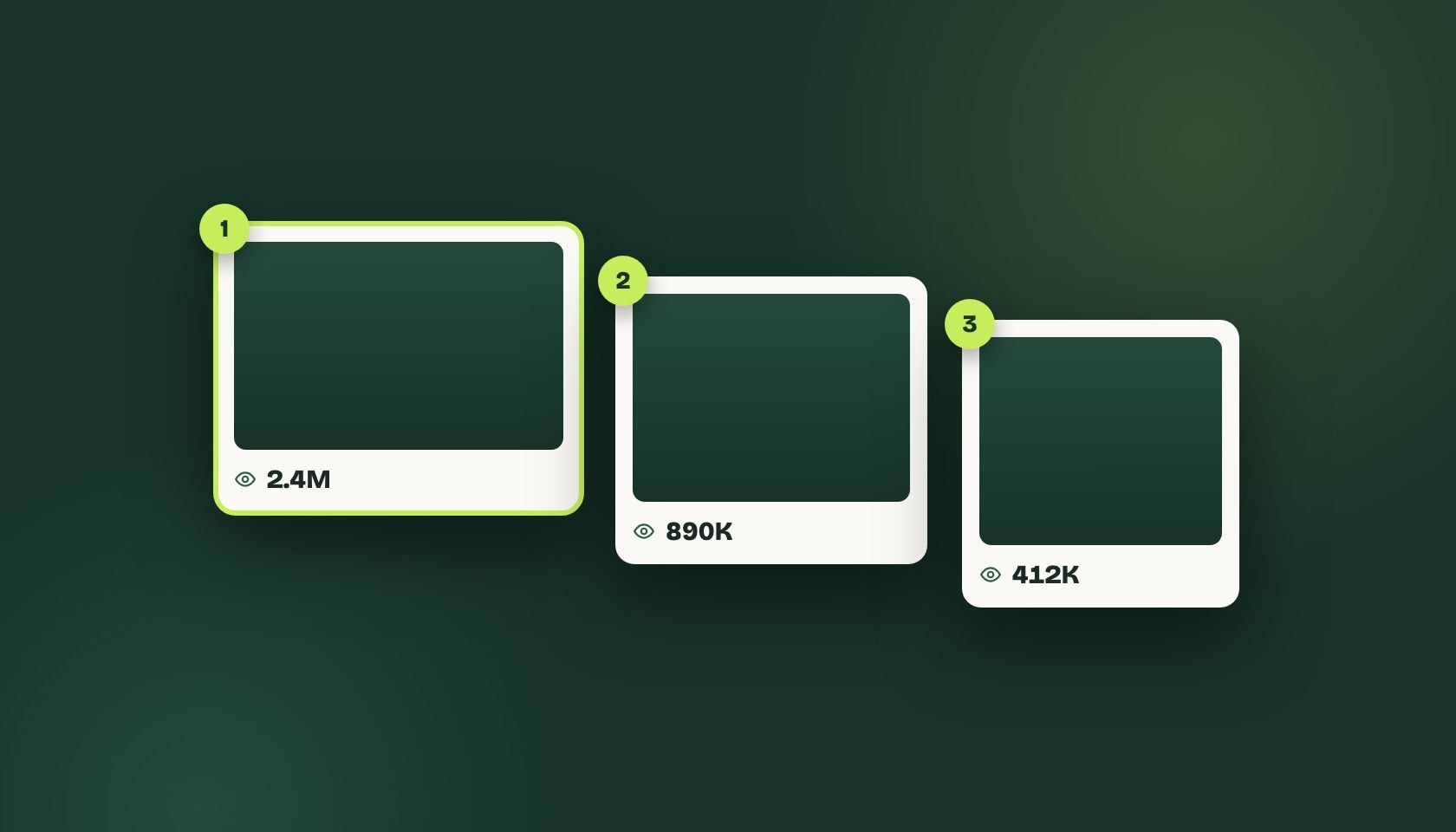
Instagram has no built-in way to sort Reels by views; the Reels tab is strictly chronological. To see the most viewed Reels on any public profile, install a browser extension like ViewRank, open the profile's Reels tab on desktop Chrome, and rank the grid by view count in about thirty seconds.
Instagram will show you every Reel a creator has posted, in the order they posted them, forever. What it won’t do is tell you which ones worked.
There’s no sort control on the Reels tab. No filter, no “top posts,” nothing. The view count sits under each individual Reel and that’s the extent of it, which is fine if you’re a viewer and quietly maddening if you’re trying to work out why an account in your niche is growing and you aren’t.
The short answer
Use a browser extension that reads the view counts already on the page and reorders the grid. ViewRank is the one we build; it’s free, it has no cap on how many Reels it will sort, and it takes about thirty seconds end to end.
If you’d rather not install anything, skip to the manual method below. It works. It’s just slow enough that you won’t do it twice.
Can you see the most viewed Reels without a tool?
Open a profile, click the first Reel, note the views, close it, click the next one. Repeat.
For ten Reels this is fine, maybe five minutes. For a profile with 200 Reels going back two years, it’s an afternoon, and by video forty you’re not really reading the numbers anymore. You’re scanning for anything that looks big, which means a Reel with 61K views next to one with 610K stops registering as different.
There’s a subtler failure too. Manual comparison finds the biggest numbers, and the biggest numbers aren’t always the interesting ones. An account whose Reels normally do 400K views has a 500K Reel that tells you almost nothing. The same account’s 2.1M Reel is the one worth studying. You need the creator’s own baseline to see that, and you can’t hold a baseline in your head while scrolling.
How do you rank a profile’s Reels by views?
Install the ViewRank extension from the Chrome Web Store, open any public profile’s Reels tab on desktop, pick how many Reels to pull from the ViewRank panel, and sort by views. The whole pass takes about thirty seconds, and the click-by-click version is in the step-by-step recap at the end of this guide.
The grid reorders with the top performers first. Each video carries an outlier score, which is that video measured against the creator’s own average rather than against some absolute idea of “viral.” A 12x badge on a small account is a more useful signal than a large raw number on a big one.
You can also sort by likes or comments from the same panel, and switch between them without re-pulling the data. Which metric to reach for depends on the job, and that choice gets its own guide.
What should you look for once the Reels are ranked?
This is the part people skip, and it’s the only part that changes what you post.
Look at the first three seconds of the top five. Not the topic, the opening move. Is it a question? A claim? A visual that doesn’t match the audio? Text on screen before anyone speaks? Write down the pattern, because it’ll repeat.
Then check length. Sort the winners and look at where they cluster. It’s common to find an account whose ordinary posts run 45 seconds while everything that broke out came in under 20, which is the sort of thing nobody mentions in interviews and the data makes obvious in a minute.
After that, look at what the top Reels have in common that the middle of the pack doesn’t. Sometimes it’s a format, like a specific edit or a recurring segment. Sometimes it’s a single recurring subject. Occasionally it’s nothing and the account just got lucky twice, which is also worth knowing before you copy a format that isn’t one.
Keep the notes somewhere they’ll survive. ViewRank lets you favorite videos, attach notes to them, and tag patterns so they stack up across profiles. A Google Doc works too, honestly. What doesn’t work is holding it in your head, because you’ll research a different account next week and lose all of it.
Is sorting Reels by views against Instagram’s rules?
It reads what’s already on the page. No password is shared, nothing gets posted, liked, followed, or commented, and private accounts stay private. It’s closer to using your browser’s find-on-page than to scraping, and it can’t see anything you couldn’t see by clicking through the profile yourself with a lot more patience.
What a ranked list tells you, and what it doesn’t
Ranked Reels tell you what performed. They don’t tell you why, and the gap between those two is where most content research quietly dies.
You’ll find the 2.1M Reel in thirty seconds. Working out whether it was the hook, the length, the sound, or the fact that it got picked up by a big account on the same day is a slower job, and no sorting tool finishes it for you. Sorting just means you’re spending that slower hour on the right eleven videos instead of the wrong two hundred.
Step by step
Install the ViewRank extension
Add the free ViewRank extension to desktop Chrome from the Chrome Web Store. Sorting needs no account.
Open a public profile's Reels tab
Go to Instagram in the same browser, open any public profile, and click its Reels tab.
Pull the profile's history
Open the ViewRank panel and choose how many Reels to load: the last 50, the last 100, or everything available.
Sort by views
Rank the grid by view count. The top performers move to the front, each with an outlier score measured against that creator's own average.
Switch metrics without re-pulling
Sort the same data by likes or comments from the same panel to see which videos win on each metric.
Frequently Asked Questions
Can I see the most viewed Reels on any profile without a tool?
Not by sorting. Instagram's Reels tab is chronological and has no sort control. You can read view counts on individual Reels and compare them manually, which works for a handful of videos and falls apart past twenty or thirty.
Does this work on private accounts?
No. Only public profiles, because the data has to be visible on the page for anything to read it.
Do I have to log in or hand over my password?
You stay logged into Instagram normally, the way you already browse. ViewRank never asks for your Instagram credentials and doesn't post, like, follow, or comment.
Does it work on mobile?
No. It's a Chrome extension, so desktop only.
What about TikTok and Instagram carousels?
Both work. TikTok videos and photo slideshows sort the same way, and Instagram posts and carousels can be ranked by likes or comments with a view that steps through each slide.
Related articles
All Instagram articles →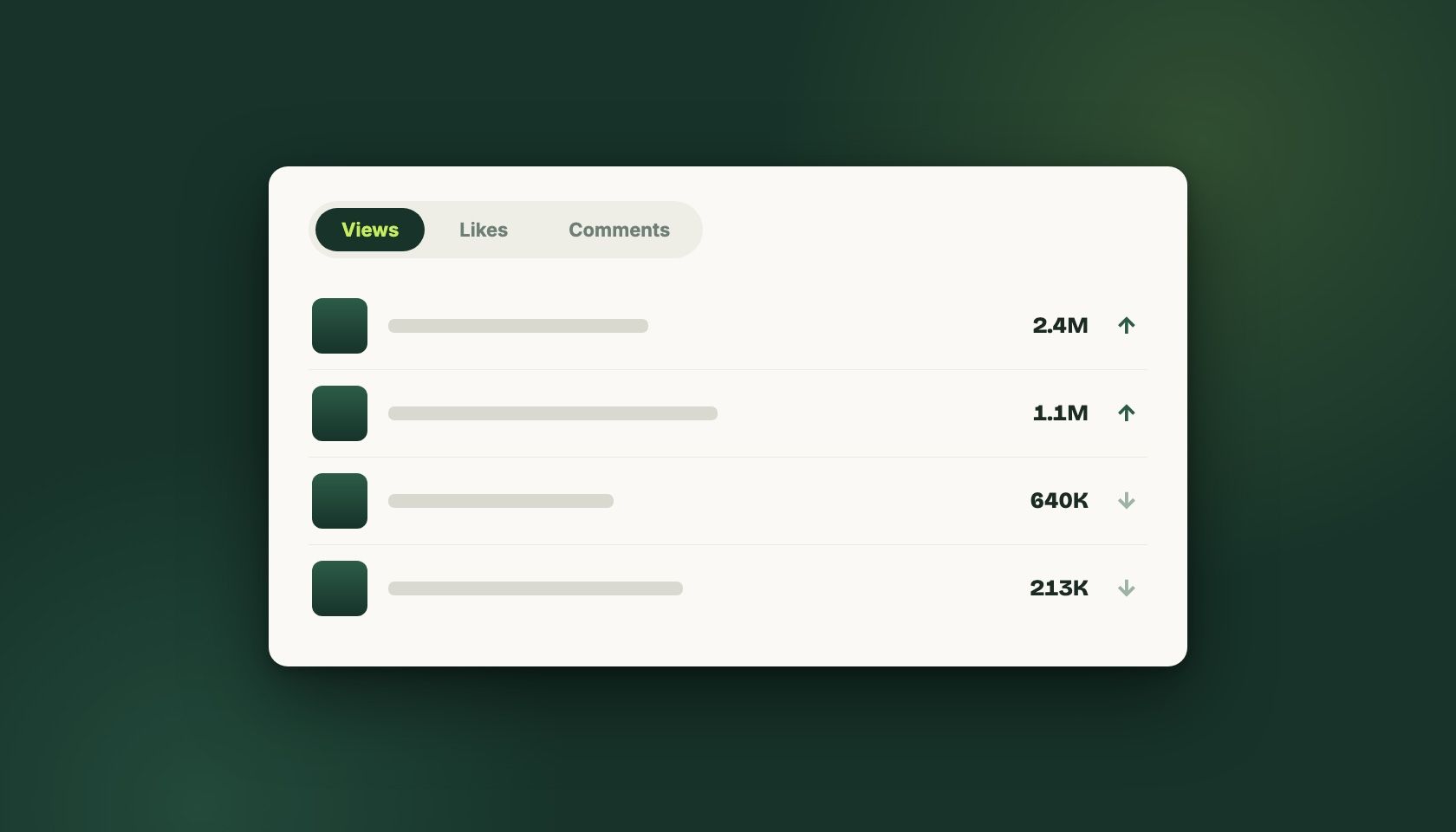
How to Sort Instagram Reels by Views, Likes, and Comments
Instagram has no sort control on the Reels tab. How to rank any public profile by views, likes, or comments, and which metric suits each job.
Dec 23, 2025 · Updated Sep 1, 2026
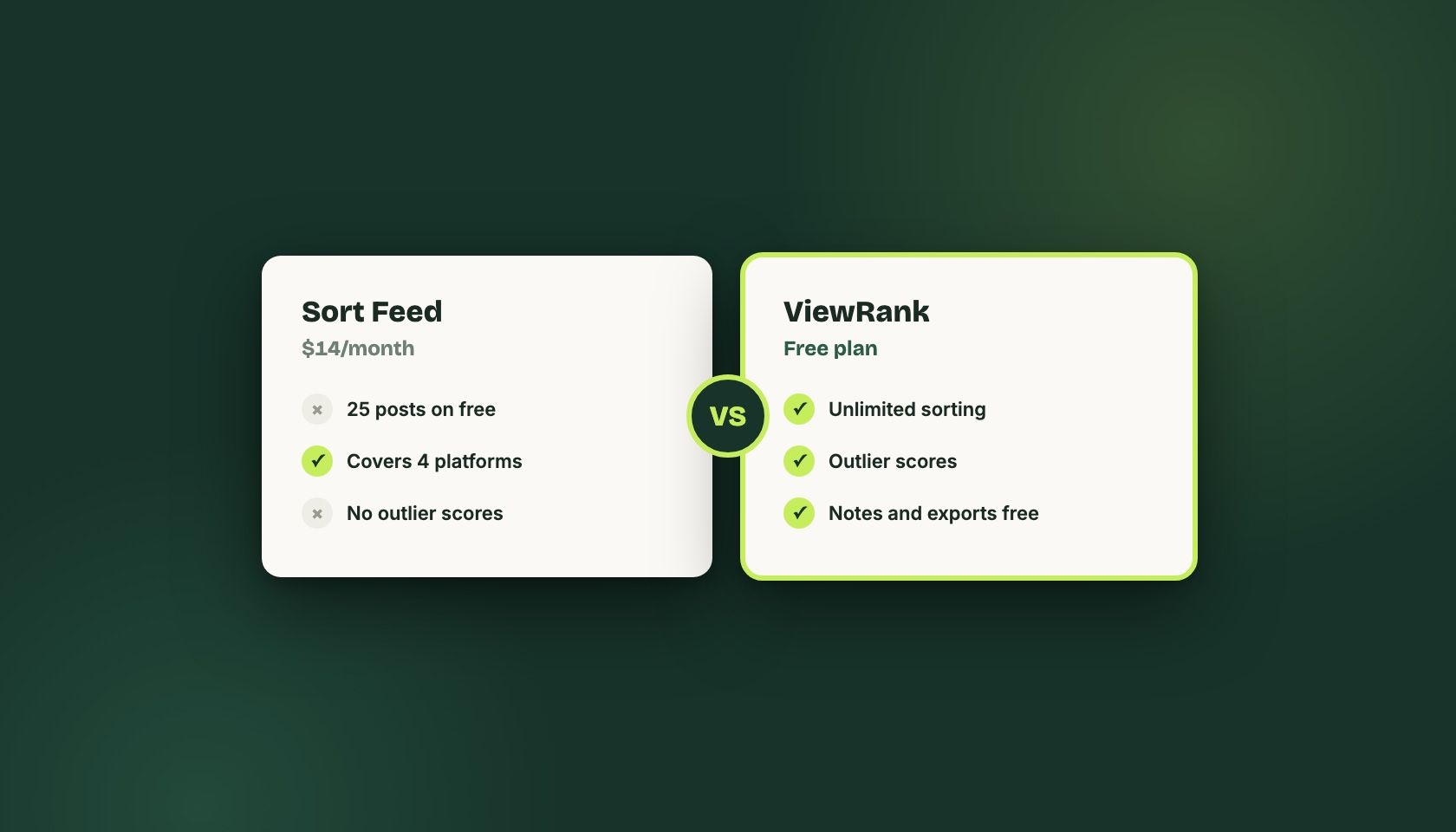
What is the Best Sort Feed Alternative in 2026
An honest look at Sort Feed's free cap, its $14/month Pro plan, and when switching to ViewRank makes sense. From the team that builds ViewRank.
Jan 29, 2026 · Updated Sep 1, 2026